 COME
COMEIdentify the batting team before comparing cricket scores
Always identify which team owns a displayed total. A score tile and a full scorecard can arrange teams differently, especially between innings or after a result.
Read names and innings labels
Associate each score with its team name, innings and status. A first-innings total remains visible during a chase, so the larger-looking number is not necessarily the current batting score.
Compare states at the same moment
When using two screens, read their update context. A saved graphic and a current scorecard may show different stages. Do not diagnose a scoring error simply because an older image has another total.
Keep examples separate from a live match
These numbers are worked examples. For a current IPL match, use its actual teams, innings, target, over allocation and status. A saved cricket graphic can illustrate score fields but cannot supply a live result. Match runs, fantasy contest points and video coverage are also different services and measurements. Read the contest rules for points and the broadcaster terms for viewing access.
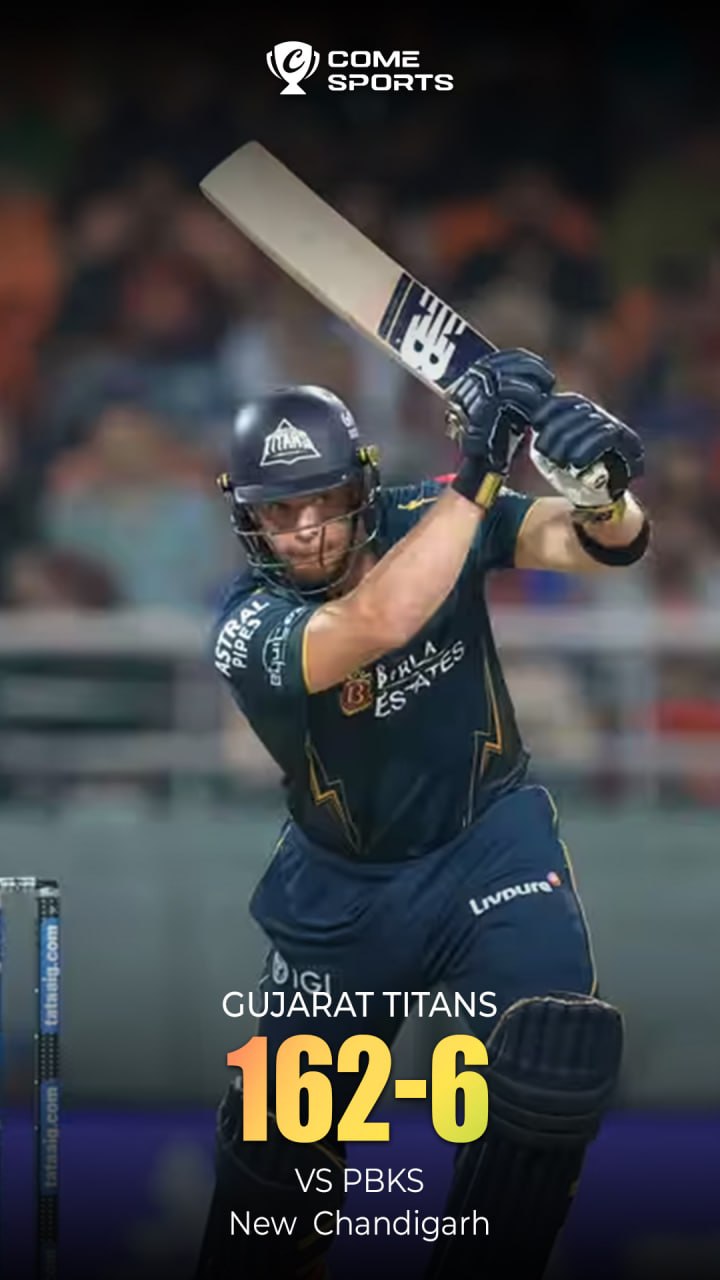
A practical example
One line shows a completed 170/7, while another shows 90/2 during the chase. Identify which side made 170 and which is batting at 90 before discussing the target or required pace.
What a completed answer looks like
Every total has a team and innings attached, and any comparison uses the appropriate match state.
Choose another specific COME guide
Read the wider cricket and IPL guide