 COME
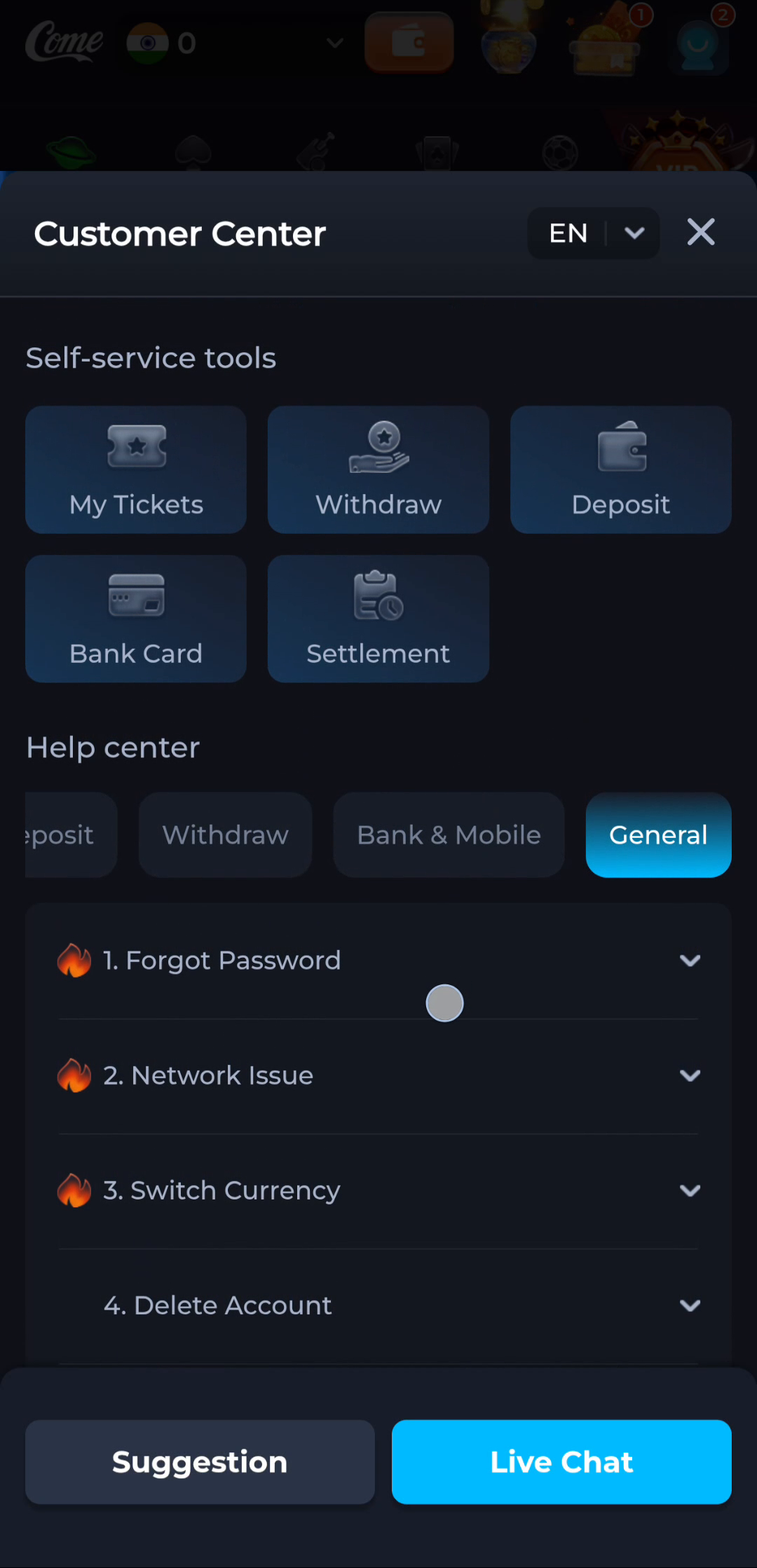
COMEChoose between COME Network Issue and Forgot Password
A loading problem and an account-access problem require different first questions. COME General help offers Network Issue and Forgot Password as separate topics.
Describe what you can actually observe
An error before any account action may concern connectivity or loading. A rejected known access attempt concerns a different stage. Keep the message wording instead of diagnosing every blank page as a forgotten password.
Follow the relevant explanation
Choose the matching topic and read its instructions in the recognised app context. Do not switch to Delete Account, make another account or repeatedly submit recovery attempts merely because an unrelated screen is slow.
Before moving to another task
Keep the current screen and the action you just took in mind. A menu label helps you locate information, but account changes, download completion and support decisions each need their own result. If the interface differs, match the actual label and context rather than following a memorised screen position. For a personal service question, stay with the recognised in-app help route and keep private access details out of public posts.
A practical example
The application is not loading its home content, while no password message appears. Start with connectivity and loading context. If an actual access error later appears, record it and use the account-specific help route.
What a completed answer looks like
The selected help topic matches the observed stage and avoids unrelated recovery or account-removal actions.
Choose another specific COME guide